What is Goldware?
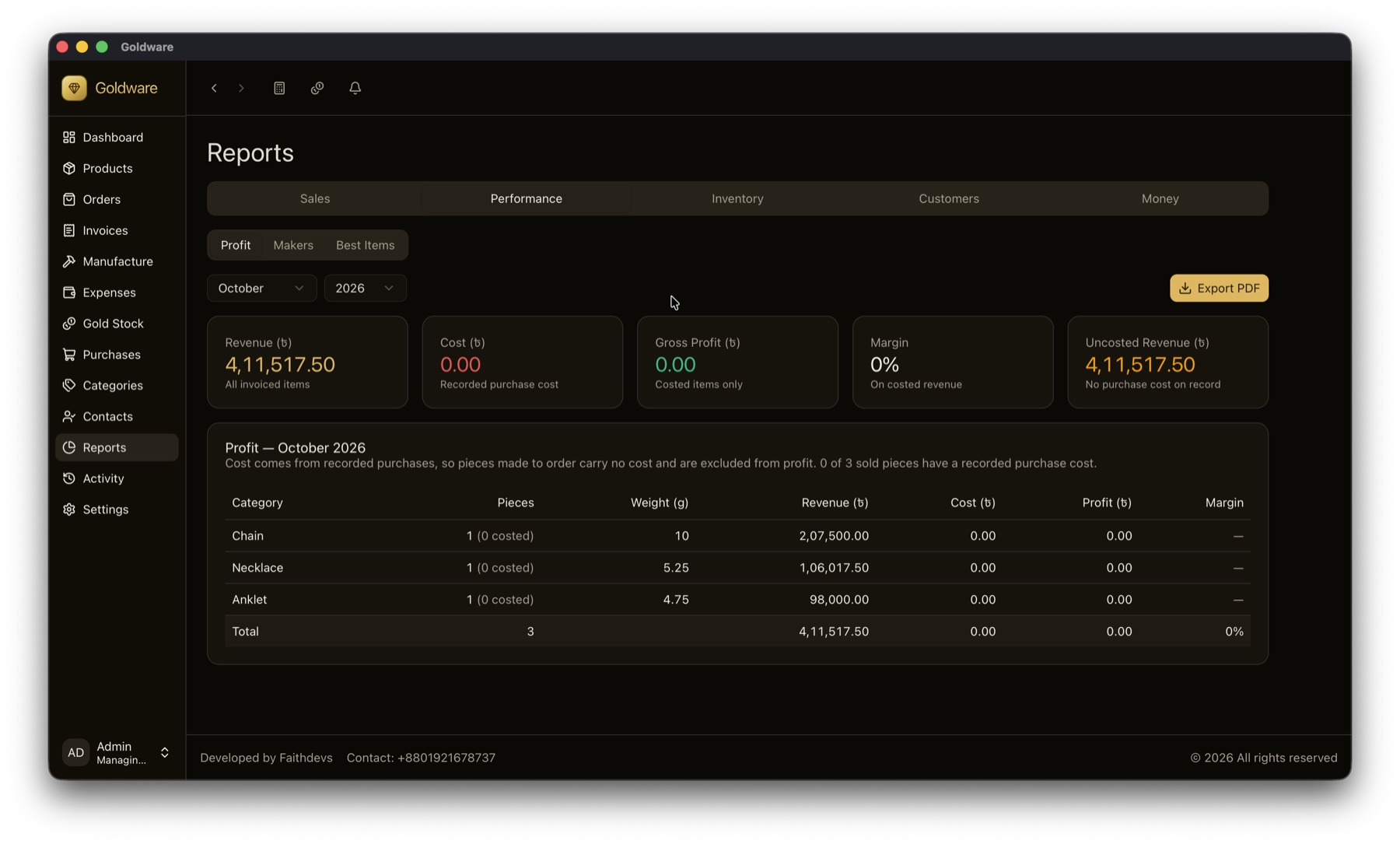
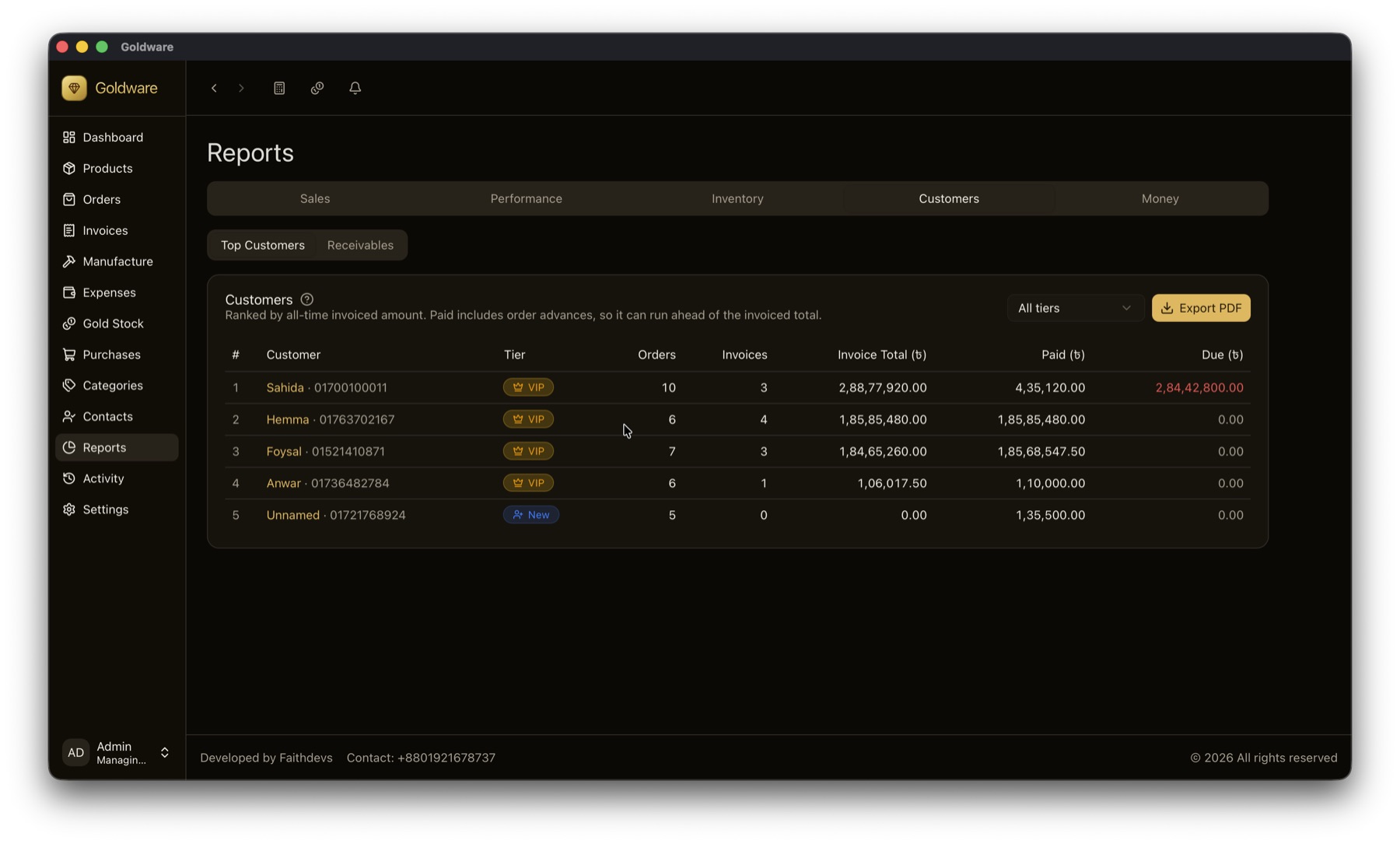
Goldware is offline management software for gold and jewellery shops, made by Faithdevs. It handles billing at the day's karat rate, making charges, old-gold exchange, per-karat gold stock, gold given to karigars, custom orders, customer dues and 13 reports. It runs on the shop's own Windows, macOS or Linux computer without internet.
Does Goldware need internet?
No. Goldware runs fully offline on your shop computer. Billing, printing, stock and reports all work during internet outages. Internet is only used if you choose to turn on Google Drive backup.
How does Goldware calculate the price of gold jewellery?
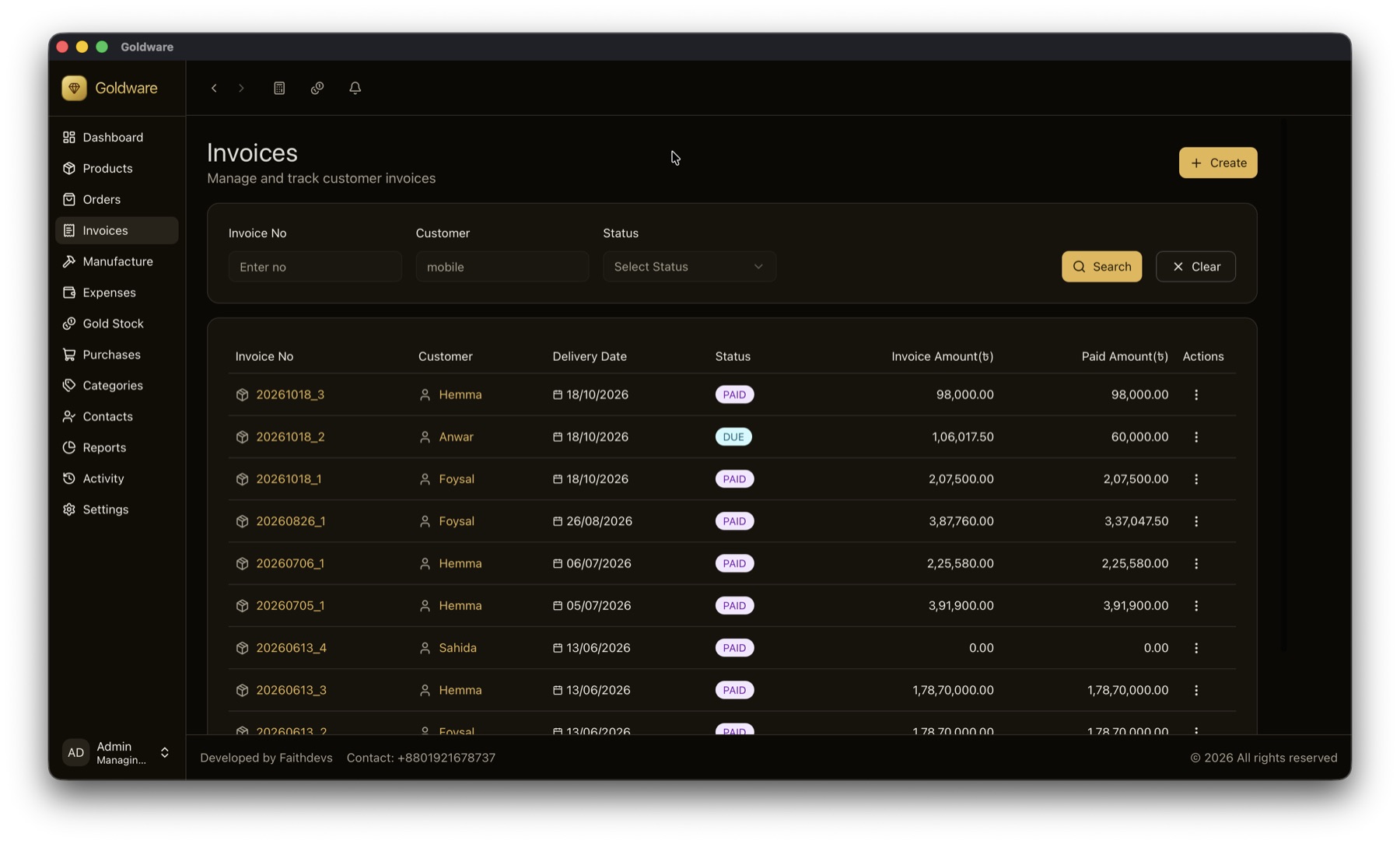
Price = weight × today's rate for that karat + making charge − discount. You enter the day's rate for 18K, 21K, 22K and Traditional once; every invoice uses it. If the customer gives old gold, its value is deducted from the bill automatically. Diamond pieces use a fixed per-piece price.
Do I have to enter the gold rate every day?
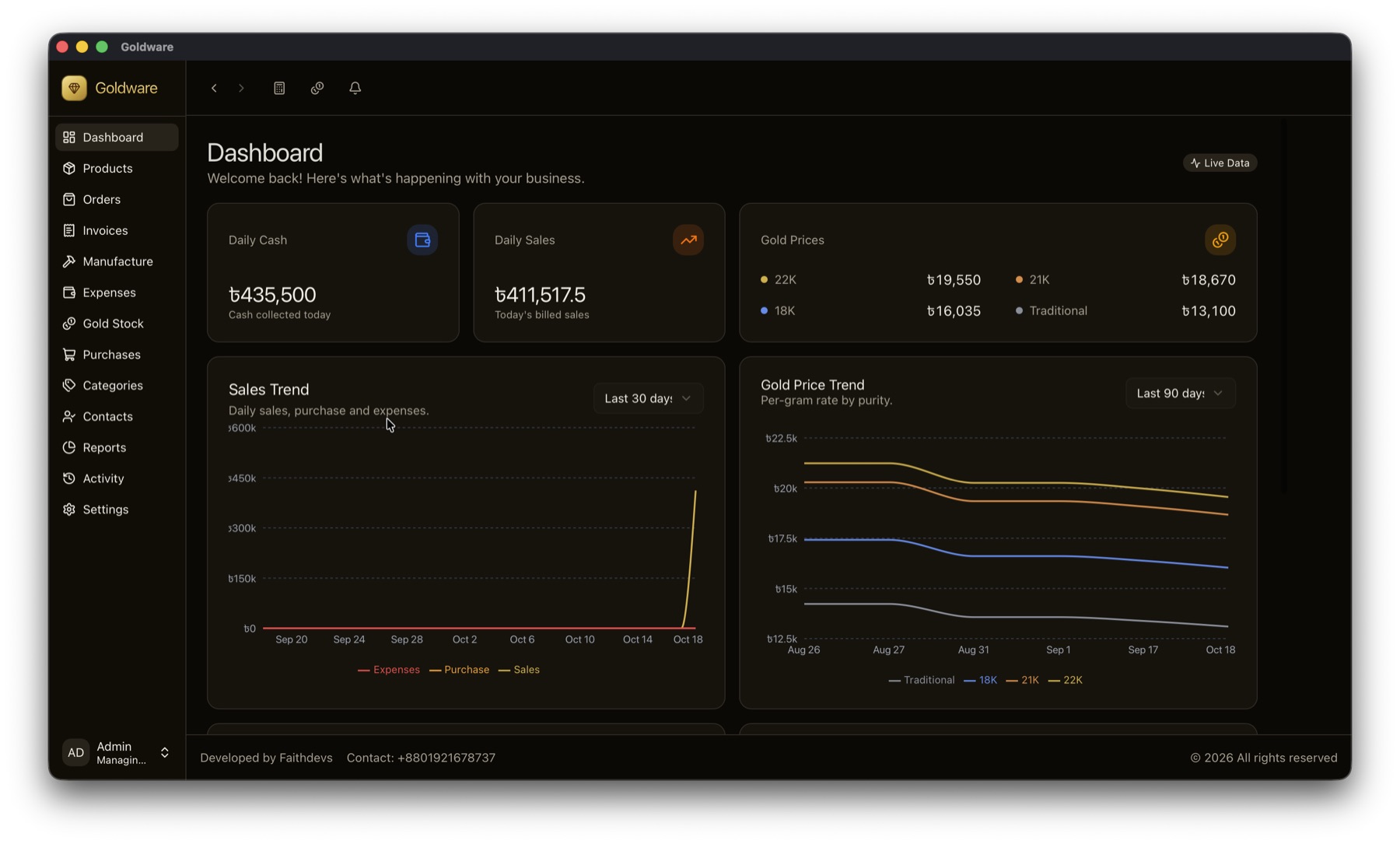
Yes, once a day — for example after the day's market rate is announced. You enter one rate per karat, and every invoice, the showcase value and the inventory valuation use it. Goldware keeps the history, so you can see how rates moved over the last 90 days.
Which karats does Goldware support?
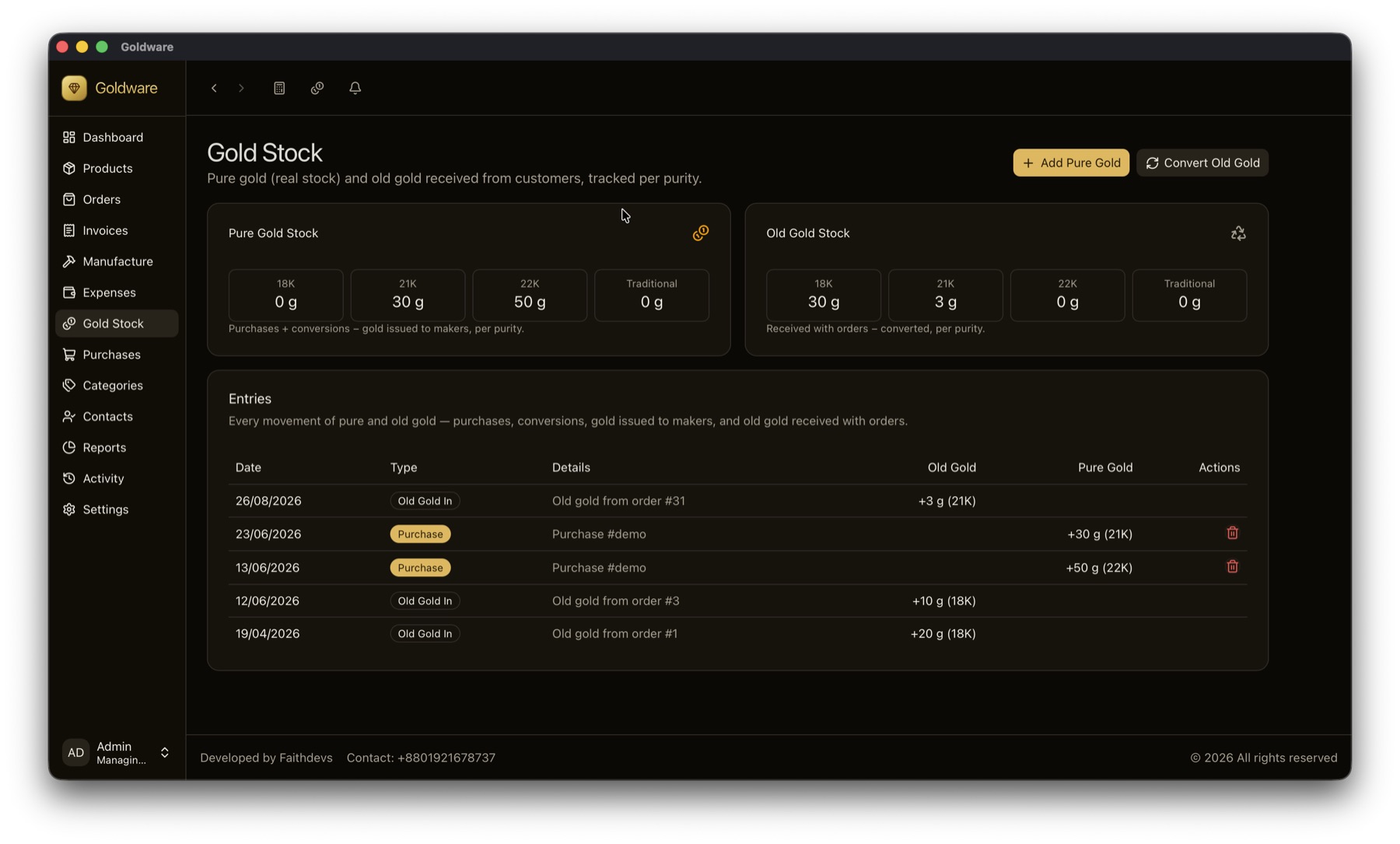
18K, 21K, 22K and Traditional. Each karat has its own daily rate, its own pure-gold stock and its own old-gold stock. Karats are never added together, so your gold balance is always correct per purity.
Can Goldware handle old gold exchange?
Yes. Old gold received from a customer is recorded with its karat and weight, valued at market price and deducted from the invoice. It goes into a separate old-gold stock, and you can later convert it to pure gold with the refining loss recorded.
How does Goldware track gold given to karigars?
Every gram issued to a karigar (craftsman) is recorded per karat, and the weight of finished pieces they return is set against it. Goldware shows how much gold is still in each karigar's hands, so no gold leaves the shop unrecorded.
Who can see my shop's data?
Only you. Your stock, customers and dues are stored in a file on your own computer and are not sent to Faithdevs or any server. If you turn on Google Drive backup, an encrypted backup goes to your own Google Drive account.
What happens if my computer breaks?
Goldware saves an encrypted backup automatically every time the app closes, and you can take a manual backup any time. With Google Drive backup turned on, a copy is kept off-site. Install Goldware on a new computer, restore the backup, and continue where you stopped.
I'm not good with computers. Can I use it?
Yes. If you can keep a ledger book, you can use Goldware. We set it up for you and walk you and your staff through it, and the screens follow the same order as your work: order, karigar, invoice, payment.
What about my current stock?
We help you enter your current pieces, gold stock and customer dues when we set up, so you start with correct numbers from the first day.
Can it print invoices?
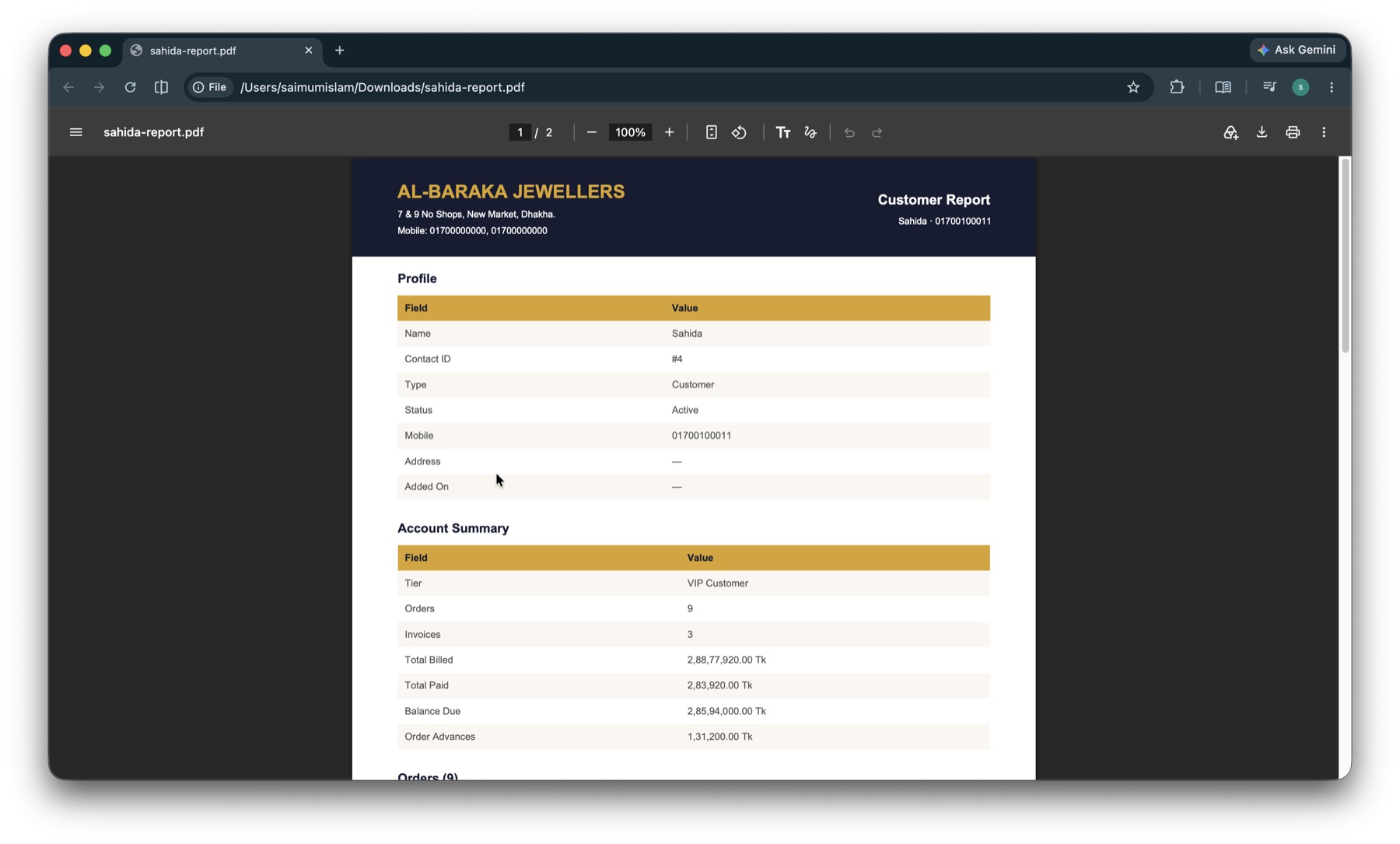
Yes. Invoices and order slips print on A5 with your shop's name, address and terms, directly to the printer you choose. Customer statements and every report can also be saved as PDF.
How much does Goldware cost?
Goldware is licensed per shop. The price depends on your shop and the licence period, and we give you a clear price at the demo. The demo is free, at your shop or over WhatsApp video, with no obligation to buy.